
SpellInterview
Practice today. Answer better tomorrow.
AI interview practice for developers. Pick a spellbook, answer realistic technical questions by text or voice, and get scored feedback before the real interview.
Download on the App Store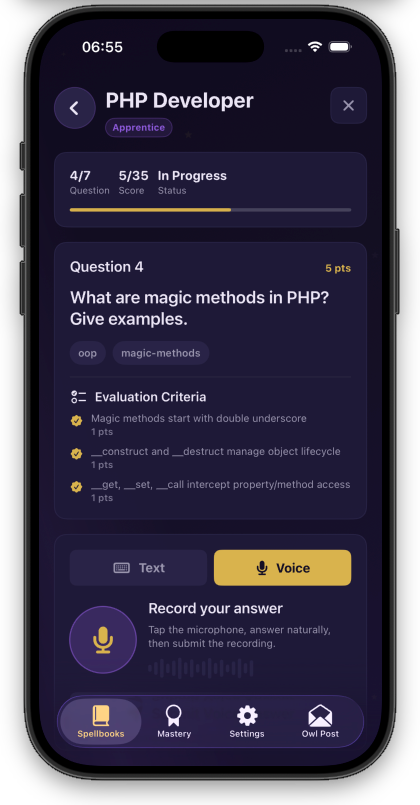
Practice today. Answer better tomorrow.
AI interview practice for developers. Pick a spellbook, answer realistic technical questions by text or voice, and get scored feedback before the real interview.
Download on the App Store
Built around the interview loop.
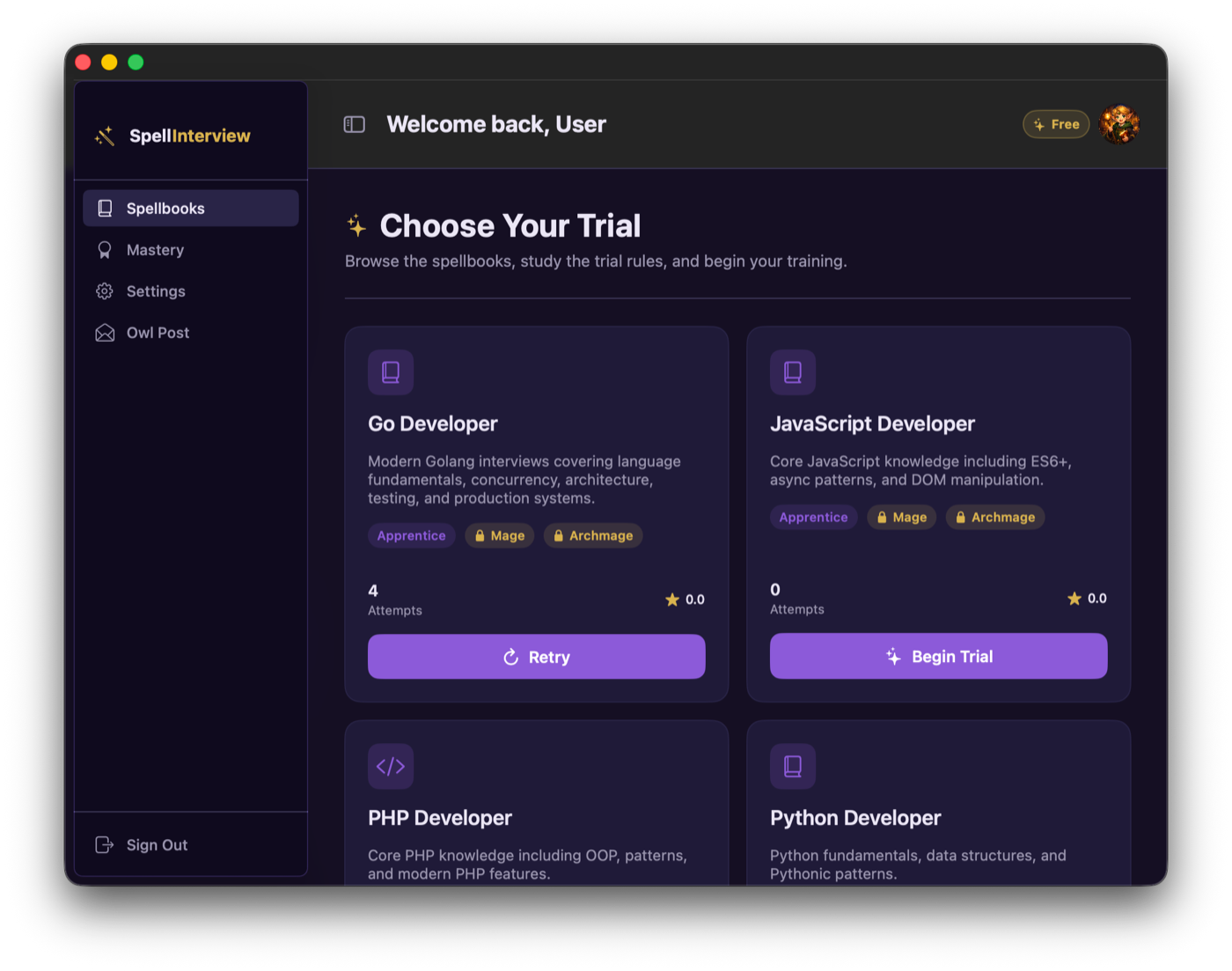
Choose a focused practice area, like Go, JavaScript, PHP or Python, and a difficulty before you start a session.
Write your explanation, or speak it to practise delivery and pacing.
Strengths, weaknesses, criteria scores and reference answers after every interview.
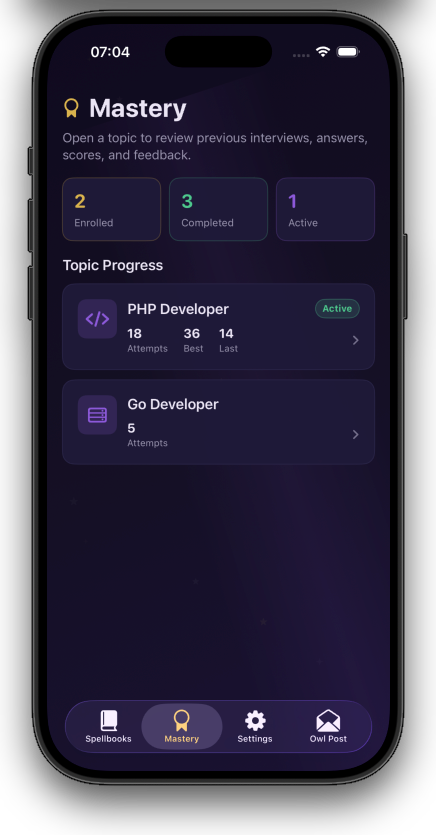
Attempts, topic progress and best scores in one place.
An interview in progress is kept, so you can come back to it.
Three steps, as many rounds as you like.
Start with a topic and difficulty that matches the interview you are preparing for.
Work through realistic prompts by text or voice while the session tracks your progress.
Compare attempts, inspect scores, and return to weak areas until your answers are sharper.
SpellInterview keeps attempts, topic progress, best scores and recent feedback together, so practice turns into a measurable routine.
Sign in on iPhone or Mac and your progress is there on both.
Start with the free plan. SpellInterview Pro is a subscription you can cancel anytime.
Browse the spellbooks and begin your training at Apprentice level.
Unlocks the harder levels, Mage and Archmage. The price is shown in the app before you subscribe.
Can't find your answer? Send us a message, or use Owl Post inside the app.
Yes. You register with an email and password, which keeps your interviews and progress in sync between iPhone and Mac.
Choose Forgot password on the sign-in screen and a reset link will be sent to your email.
For recorded voice answers. On Mac, speech recognition is also used for dictation in text mode. You can always answer by typing instead.
Subscriptions are managed by Apple. Open Settings in the app, or your Apple Account settings, then Subscriptions.
In Settings inside the app. This removes your account data and signs you out. An Apple subscription must be cancelled separately.